 Casino
  Promos
  Sign Up
  Search
 Discover
  Slots
Slots  Jackpot
  All Games
 Casino SpinShark Mobile App for UK Players
Our gaming hub is a mobile-compatible for UK users via a progressive website application that opens on your browser without the URL bar. The SpinShark mobile app for Android and iOS devices features a mobile-first design. It has the same features as the desktop version, but with additional elements like push notification, giving an added advantage. Below, you will find instructions for installing the software, its features and bonuses that you can get while using the platform.
How to Use and Install on Android and iOS
A PWA software is designed to work on both Android and iOS devices. You can use it to create your account, play and deposit, among others. Here is a guide for installing the SpinShark Casino application on your phone:
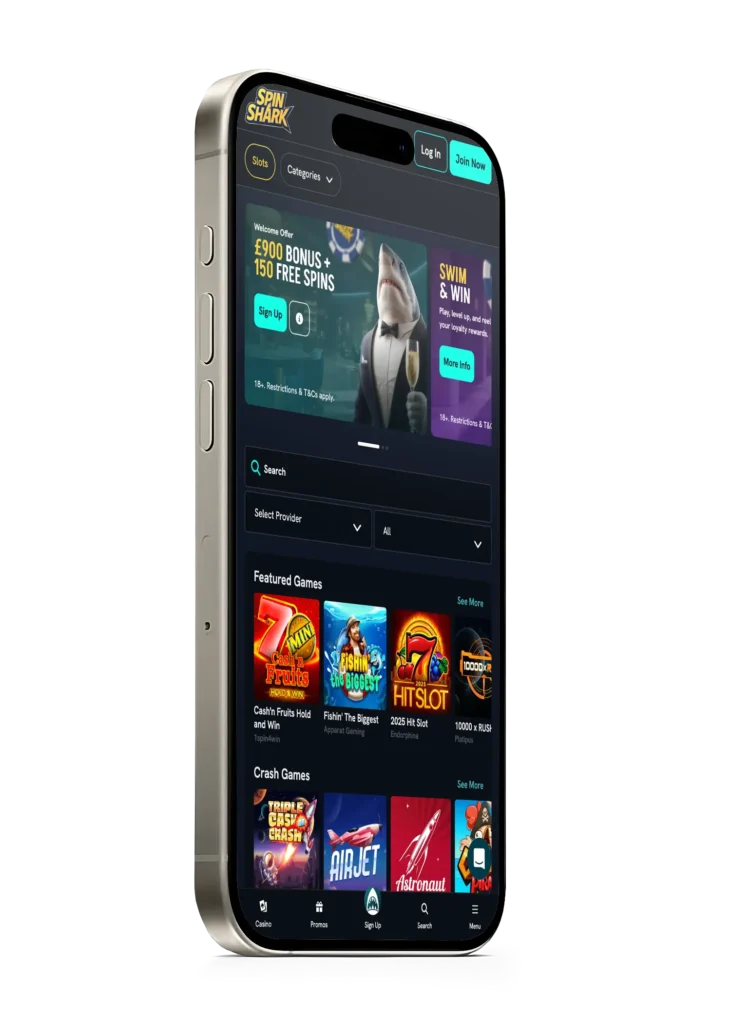
- Open the site: Load our casino site on your phone.
- Android download: For Android users, tap the three-dot menu on the URL and scroll to find an option for adding the software to your phone.
- iOS download: If using an iPhone, click the Share button, then the Add to Home Screen. Tap Add on the box that pops up.
- Open: Find the SpinShark Casino app and tap to open. Sign in and find games to play.
Supported Devices for the SpinShark App in 2026
You can use various internet devices to access our site. These include:
- Phone: The Casino SpinShark app is compatible with Android and iOS devices. You can download the software on your Samsung Galaxy S24, Google Pixel 10 PRO, iPhone 13 or any other device released in the last 10 years.
- Tablet and iPad: If you are looking to play on a bigger screen while on the go, you can use an iPad or Android tablet. You can download the Spin Shark app or play directly in the browser.
- PC: Our site is also available on personal computers. Open the site on your browser and use the download icon at the end of the URL to add a shortcut to your desktop.
System Requirements for Mobile App
Here are the system requirements your device needs to have to download and use the SpinShark Casino application without lags and other technical issues:
- Operating system: The first thing you need to check is the version of your operating system. You can use Android 8-16 and iOS 11 to the latest version.
- Processor: Your device needs a processor such as Snapdragon, Exynos, A19 Pro and others in the latest devices to run the app optimally.
- RAM: Use a device with at least 4GB of RAM to avoid lag when playing live games.
- Internet: You need an internet connection, such as 4G, 5G or Wi-Fi.
SpinShark Casino App Interface
The SpinShark mobile app interface looks and feels modern. It includes a clean layout with a dark background and coloured icons. These colour schemes enhance contrast and draw your attention to specific actions without straining your eyes. The design prioritises clarity, mobile usability and speed.
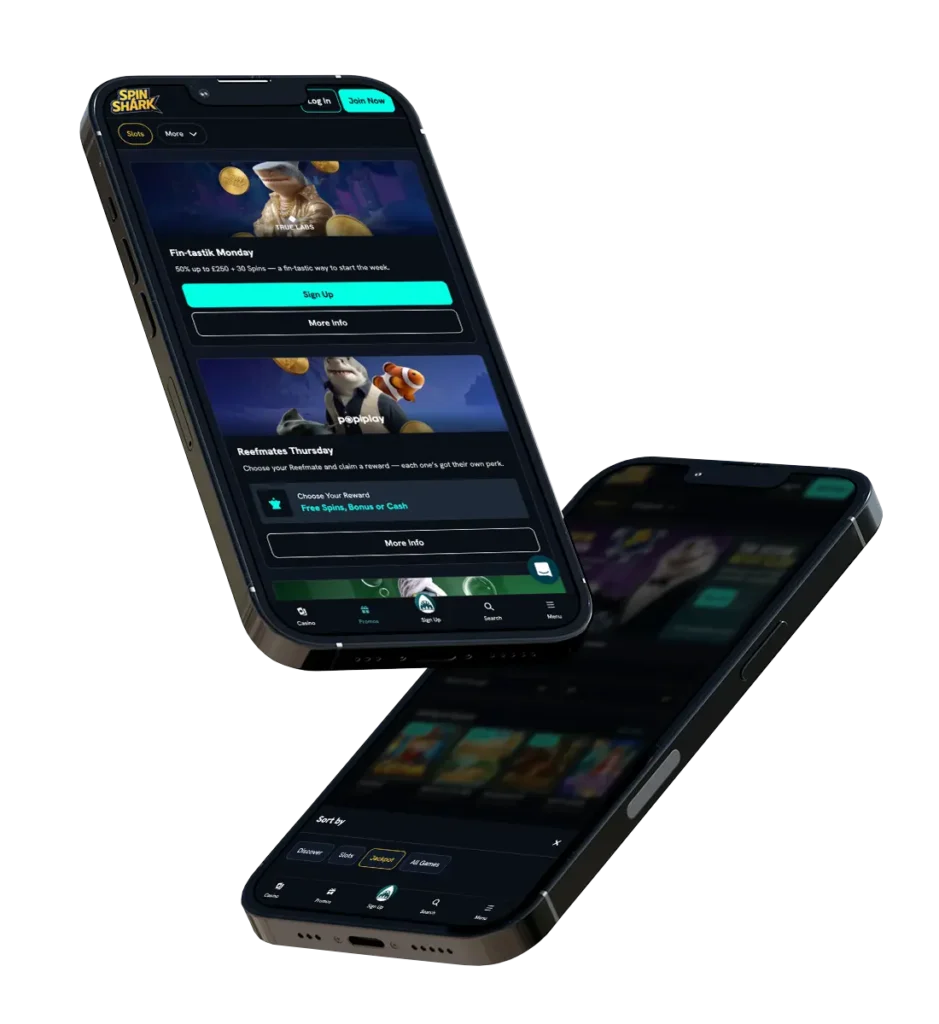
Our mobile platform looks like the desktop version in a compact format. There are a few differences, such as a bottom navigation menu with casino, promo, sign up, search and a pop-up menu on mobile devices. The bottom menu provides quick access to core pages, so you don’t have to scroll endlessly on the platform to find what you are looking for. It also improves one-handed navigation on mobile devices.
You will find that the layout is intuitive and user-friendly. SpinShark app responds to taps and swipes. Game categories and filters are still accessible on mobile devices. We have a footer section, where you can access our contact information, terms and conditions and other pages that you may need.
Mobile Games and How to Play
Our games are mobile-friendly, which means that you can play them on the app SpinShark. We have 4,000+ slot machines, such as Gold Rush Cowboy, Thunder Crown and Brother’s Kingdom. You will find themed video slots, megaways, jackpots and hold & win options. Another category that you can play on your phone is live dealer games. Examples include Gravity Blackjack and Live Crash. To play these games, create an account or log in. Top up your account with real money. Find a game and load it on your screen. Set your bet and tap the Play button.
Features of Casino SpinShark Mobile App
The SpinShark Casino application is fully functional, thanks to its features. These include:
- Payment methods: You can deposit and withdraw using integrated methods such as Bitcoin Cash, Ripple and Mastercard on your phone.
- Account management: Players can easily verify their accounts on mobile devices, especially if they have the KYC documents on their phones. You can also modify your profile.
- Games: Our games are designed using HTML5 technology that makes them compatible with tablets and smartphones.
- Loyalty program: You can join and progress through the loyalty program by playing games on the Casino SpinShark app.
- Push notification: Britons can switch on push notifications to receive updates.
Security and Data Protection
We use Secure Socket Layer (SSL) and Transport Layer Security (TLS) protocols to encrypt the SpinShark Casino app. Our servers are protected using firewalls to restrict malicious programs or access. Another security measure we have placed on our site is data anonymisation. We also use secure gateways for entering payments. Our employees are restricted from accessing your data without following the right protocols.
Players are encouraged to be vigilant, too. Use a strong password, don’t save your password on a shared device, and verify you have the right SpinShark app before signing in to avoid data phishing. Avoid using public Wi-Fi and consider using 2-factor authentication.
Bonuses for Spin Shark Mobile App Players in 2026
We have 8+ bonuses for UK users. You can claim them via the Casino SpinShark app. Examples include:
- Welcome offer: Get 150% match deposit of up to £900 on your first deposit. Top up £20 or more to qualify. You will also get 150 free spins on selected games.
- Weekend Bite: The offer is available on Saturdays and Sundays. You can get a reload offer of 88% up to £88.
- Sharkback Tuesday: The bonus is tied to playing specific live dealer games. You need to play the games on Tuesdays, but you will receive your 10% cashback on losses on Wednesday.
- Fin-tastik Monday: Get 50% extra on your deposited funds on Mondays. Top up your account with £30 or more to qualify for the bonus of up to £250.
- Tournaments: Find the current tournaments on the mobile app SpinShark and participate by meeting the minimum requirements, like betting £0.85 per spin. Climb the leaderboard and become one of the top finishers to win free spins and cash rewards.
Pros and Cons
Using the Casino SpinShark mobile app has many advantages, like accessibility and reliability. Here is a look at the pros and cons:
| Pros | Cons |
|---|---|
| Quick access to 5,000+ mobile-compatible games | We don’t have a native app that you can download from your Play Store or App Store |
| Push notification for new bonuses and other announcements | Requires an internet connection to use |
| Access to the welcome bonus, reloads, cashback, tournaments and VIP rewards | You cannot play multiple games simultaneously |
| The Spinshark Casino application has a live chat feature that connects players with customer agents | |
| The mobile platform is encrypted to ensure your safety |


